
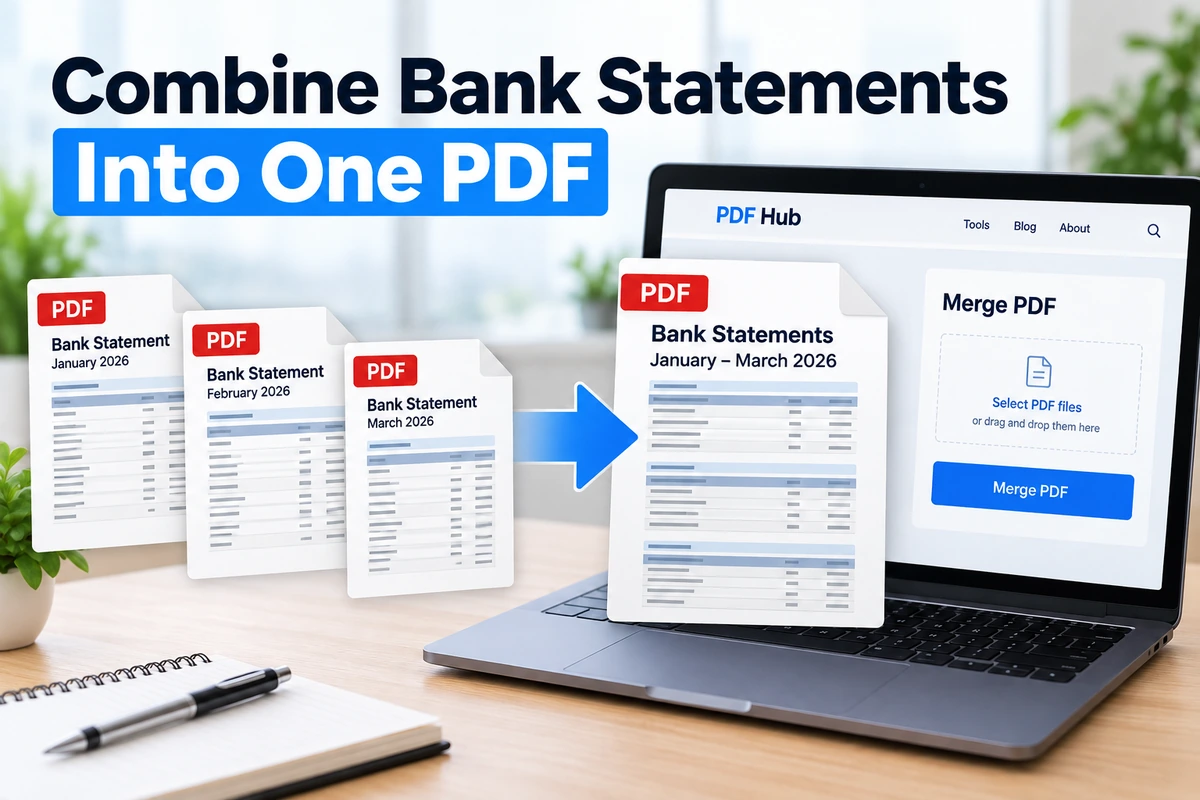
Bank statements are often downloaded as separate PDF files, with one document for each month.
That is fine for record keeping, but some application portals, landlords, lenders, accountants, or other recipients may ask for several months of statements as a single PDF.
If that is what the recipient requests, you can combine the monthly statements into one file and arrange them in chronological order.
Important: bank statements contain sensitive financial information. For confidential or restricted financial documents, local processing is the safer option. Only use an online service when you are comfortable uploading the files and are permitted to do so.
How to Combine Bank Statements Into One PDF
- Download the required monthly bank statements as PDF files.
- Open each statement and confirm that it is the correct month and complete.
- Open the PDF Hub Merge PDF tool.
- Select the statement PDFs you want to combine.
- Arrange them in the order you want them to appear.
- Click Merge PDF.
- Download the combined file.
- Open the result and verify every month and page before submitting it.
Put the Statements in Chronological Order
Page order matters when several monthly statements are combined.
For example, if you are submitting statements from January through June, the merged file should normally follow the same order:
- January
- February
- March
- April
- May
- June
Clear filenames can make this easier. Renaming local copies to something like 01-january.pdf, 02-february.pdf, and 03-march.pdf can reduce the chance of mixing up the sequence.
Check What the Recipient Actually Requires
Do not merge bank statements automatically just because you have several files.
Some applications want one combined PDF. Others provide a separate upload field for each month or specifically request the original files as downloaded from the bank.
Read the submission instructions first.
If the recipient asks for individual original statements, send the files separately rather than creating a new combined PDF.
What If a Bank Statement Is Password Protected?
Some banks protect statement PDFs with a password.
A locked PDF may need to be opened or unlocked before it can be merged with other files. The exact process depends on how the bank created the statement and which software you use.
Be careful when creating an unlocked copy. If the recipient requires the original bank-issued document, changing or re-saving the file may not be appropriate.
When in doubt, keep the original statements unchanged and follow the recipient’s instructions.
Will Merging Change the Statement Content?
Merging PDFs creates a new file containing the pages from the source documents in sequence.
You should still verify the finished PDF before submitting it. Check:
- that all required months are present;
- that every page is included;
- that the statements are in the correct order;
- that text and transaction tables remain readable;
- that no unrelated documents were included accidentally.
This is especially important with financial documents because sending the wrong page or wrong date range can delay an application.
What If the Combined PDF Is Too Large?
Combining several monthly statements can produce a larger PDF, especially if the files contain scanned pages or image-heavy content.
If the receiving portal has a file-size limit, first check whether all included statements are required.
If the full document is necessary and the file is still too large, you may be able to reduce its size with the PDF Hub Compress PDF tool.
After compression, open the PDF again and make sure small transaction text, dates, account details, and other important information are still readable.
Should You Remove Pages From Bank Statements?
Usually, you should not remove pages from official bank statements unless the recipient explicitly tells you that only certain pages are required.
Even pages that appear unimportant may contain account information, balances, notices, or other details expected by the reviewer.
If an application asks for complete monthly statements, submit the complete statements.
Can You Combine Statements From Different Banks?
Technically, multiple PDF files can be combined into one document, but whether you should combine statements from different banks depends on the recipient’s instructions.
If the application expects separate files for each account or institution, keep them separate.
If it specifically asks for all supporting financial documents in one PDF, combining them may be appropriate.
How Many Bank Statements Can You Merge?
The practical number depends on the size and page count of the files.
PDF Hub’s current PDF tools use file and document limits, so check the tool before processing a large batch.
If you have many months of statements, it can help to confirm exactly how many months the recipient requires before creating the final PDF.
Privacy and Bank Statements
Bank statements are more sensitive than ordinary PDFs.
They can contain names, addresses, account information, balances, transactions, employer details, and other financial data.
For this reason, local processing is generally the safer choice for sensitive financial documents.
If you choose to use an online PDF service, make sure you understand how the service handles uploaded files and that using a third-party service is acceptable for your situation.
PDF Hub does not require an account to use its PDF tools, and uploaded files are used to perform the requested operation and automatically deleted from the processing server afterward.
Frequently Asked Questions
Can I combine several monthly bank statements into one PDF?
Yes. If the recipient accepts or requests one combined document, you can merge the monthly statement PDFs into a single file and arrange them chronologically.
Should I merge bank statements for a loan or application?
Only if the application instructions allow or request it. Some portals want a single file, while others want each statement uploaded separately.
Does merging reduce the PDF file size?
No. Merging combines files; it is not the same as compression. If the combined PDF is too large, compress it separately after verifying that all required pages are present.
Should I remove pages that look unnecessary?
Not unless the recipient explicitly allows it. When complete statements are requested, keep every page.
Can I merge password-protected statements?
A protected statement may need to be opened or unlocked before it can be merged. Keep the original files and make sure any modification is acceptable for the application.
Do I need an account to use PDF Hub?
No. PDF Hub does not require registration to use the Merge PDF tool.
Create One Organized PDF
If an application or recipient asks for several bank statements in one file, combining them can make the submission easier to review.
Check the requirements first, keep the statements in chronological order, and verify the final document before submitting it.
For ordinary documents where online processing is appropriate, use the PDF Hub Merge PDF tool to combine the files into one PDF.